
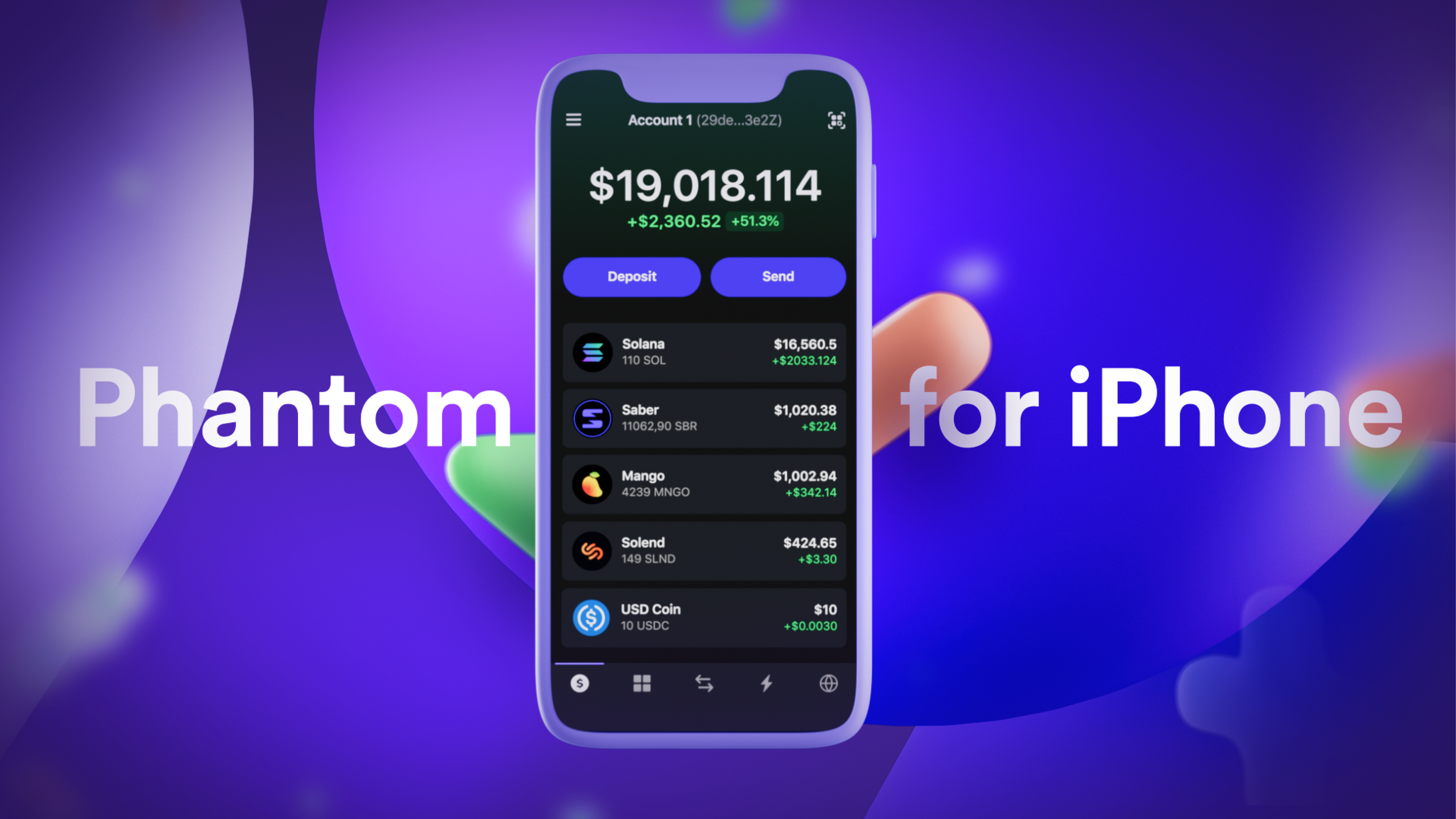
The phantom wallet is the most common wallet for the Solana blockchain. Since you cannot set up MetaMask for Solana, most use the Phantom wallet. This wallet is easy to use and similar to MetaMask. Being similar to MetaMask, it is easy to use and very familiar among users. We will give you a guide on how to install the Phantom Wallet for the browser!
What is the Phantom Wallet?
In short, the Phantom Wallet is the MetaMask for the Solana blockchain. All cryptocurrencies that are on the Solana blockchain can be held on this wallet. All NFTs can also be held on the Phantom Wallet. These NFTs are also easily viewable in the application, without having to go to OpenSea , as with MetaMask, for the images of the NFTs to be displayed.
How do I set up the Phantom Wallet?
Setting up the Phantom wallet is relatively easy and is similar to the process of the MetaMask wallet. For this you need a browser (Brave, Chrome, Microsoft Edge or Firefox), we recommend Chrome and a pen and paper or an open file where you can write down the word phrase. You need this word phrase to access your wallet in case your computer breaks down. Also, so that you can set up the Phantom Wallet on your iOS device, you need this word phrase. How do you set up the phantom wallet?
Step 1: Install Browser Extension
Install the browser extension from this link ( Phantom – Chrome Web Store ).
Add Phantom extension
Chrome Web Store Phantom Wallet
Step 2: Create a new wallet
After you add the browser extension, I should open a window. In this window you have to click on “Create a new wallet”.
Create new wallet
Step 3: Set a password
After creating a new wallet, you need to set a password. This password is only for the current device where you are installing the wallet at the moment. If you forget the password, it doesn't matter. You can restore the wallet at any time using the word phrase. We'll get to the word phrase in a moment.
Create a password for the wallet
Step 4: Write down the word phrase!
Now you get the word phrase. You have to write down this word phrase so that you can restore your wallet if your current device breaks or something similar. You also need the word phrase for your iOS device. After you write down the word phrase (Recovery Phrase), you will never see it again.
Now you have successfully installed the wallet and can use it. At the top right, where all installed extensions are displayed, you will also find the wallet. You have to click on the phantom symbol to be able to carry out actions.
What can you do with the Phantom Wallet?
On the Phantom Wallet you can not only confirm / execute transactions, but also stake your Solana (SOL) tokens. Since the Solana blockchain is based on a proof-of-stake consensus mechanism, stakers are rewarded. Here you get about 6% return per year. You can also view your NFT collections and exchange one cryptocurrency for another cryptocurrency that is on the Solana blockchain and in your wallet.
Pros and cons of the Phantom Wallet
User-friendly wallet
Similar to MetaMask (most used Ethereum wallet)
Mobile application is available
Images from the NFTs are displayed in the wallet
Built-in swap function
Hardware wallets, like Ledger, are supported
You are the only person who has access to the wallet
Still in beta, bugs might appear (your coins are safe though!)
Android phones are not supported, only iOS
Can only be used on the Solana blockchain. Other wallets, such as MetaMask, can also be used on multiple blockchains.
Are there alternatives to the Phantom Wallet?
There is not only the phantom wallet for the Solana blockchain. Solflare, Sollong and Sollet are good alternatives if you can't handle the wallet. However, the phantom wallet is the most well-known wallet for the Solana blockchain, which is why we recommend the phantom wallet for the Solana ecosystem.
My Top PicksHoneygain - Passive earner that pays in BTC or PayPalMandalaExchange -The Best no KYC crypto Exchange!
BetFury - Play And Earn BFG for daily Bitcoin and ETH dividends!
Pipeflare - Faucet that pays in ZCash and Matic, Games pay in DAIWomplay - Mobile dApp gaming platform that rewards in EOS and BitcoinCointiply - The #1 Crypto Earning SiteLiteCoinPay -The #1 FaucetPay earner for LitecoinLBRY/Odysee - YouTube Alternative that lets you earn Money by viewing videos!FaucetPay - The #1 Microwallet PlatformFREEBTC - The #1 FaucetPay earner for Satoshi'sFaucetCrypto - An earning/faucet site that pays out instantlyFireFaucet - An earning site that pays better for some than Cointiply
DogeFaucet - Dogecoin Faucet
xFaucet - BTC, ETH, LTC, Doge, Dash, Tron, DGB, BCH, BNB, ZEC, FEY - Claim every 5 minutes
Konstantinova - BTC, ETH, LTC, Doge, Dash, Tron, DGB, BNB, ZEC, USDT, FEY, 25 Claims Daily
Comments
Post a Comment